← All articles
AI fashion design workflow: from brief to review
By StyleForgeAI · 27 June 2026 · 4 min read
By StyleForgeAI · 27 June 2026 · 4 min read
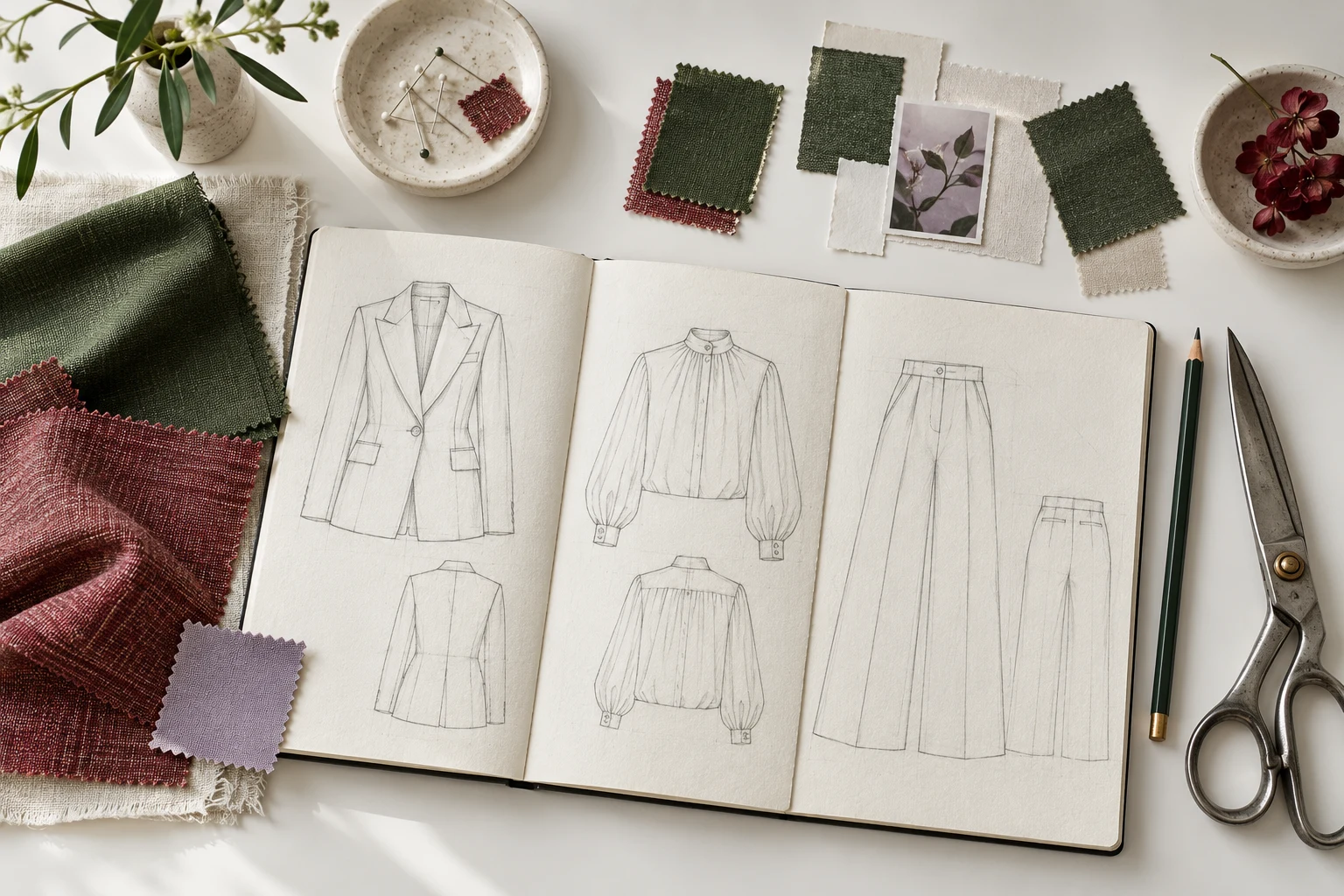
AI fashion design software helps designers turn a garment brief into visual clothing concepts, explore colourways, and review ideas with their team. A collection still needs considered materials and designer judgment. Here is how those stages fit together in StyleForgeAI, which is preparing for public launch.
Explore the AI fashion design workflow and clothing design tools, or join the launch waitlist to hear when the studio becomes available.
Create a workspace for your brand and define its Design DNA. Consider palette, silhouette, materials, and visual character. These choices give future concepts a shared direction and help your team discuss why an output fits the brief.
A useful brief describes more than a garment name. Include the season, intended wearer, silhouette, material direction, and details you want to explore. Reference images can help you communicate those choices, but keep the goal specific enough to review.
Use Design Generator to develop concept boards from your garment brief. Review the results against your original direction: are the proportions appropriate, do the details make sense, and does the concept communicate the character of your brand?
The planned seven-day trial includes standard generation, 10 output credits and up to three generation requests per rolling 24 hours. Explore the planned capabilities on the pricing page; account access will be announced to the waitlist at launch.
Refinement lets you make focused changes to an existing direction. Refine Studio provides region editing for an output; basic refinement is included in the trial. Check your plan for advanced tool access.
Variants is a separate workflow for developing colourway alternatives from a product photo. Keep the original product direction in view as you compare colours and decide which combinations deserve further development.
Fabric Preview explores materials and textile behaviour. Eligible paid plans add textile-family and feasibility signals that can inform a design discussion. These signals are review aids, not guarantees of construction or production feasibility.
Physical swatches, samples, pattern development, and technical review remain essential. A generated image cannot replace measurements, construction specifications, or a tested sample.
Use Collaboration to comment, vote, and shortlist designs in your workspace. Keep the reason behind each decision close to the work: what needs to change, what deserves further exploration, and what the next review should resolve.
A shortlist is a design decision, not a manufacturing approval. Move promising concepts into your team's normal technical development and sampling process.
Dataset Builder lets teams upload, tag, and version brand assets. On eligible paid plans, Training Studio trains workspace-specific models from a dataset version. Private model training is an advanced option rather than a requirement for starting the core workflow.
Keep the brief, selected concepts, feedback, and material questions together. High-resolution imagery can support the next design conversation; 4K export requires an eligible paid plan. Your pattern makers and manufacturers will still need technical documentation and approved samples before production.
Start with a focused brief, review a small set of concepts, and refine the most promising direction. The value of the workflow comes from the decisions you can make with your team, not simply the number of images you generate.