DESIGN INTENT MEETS MATERIAL CONTEXT
Better context for better decisions.
A compelling image is only part of a design. StyleForgeAI connects a brand-led brief to generation and review, with optional textile-analysis tools to help your team ask the right material questions.

HOW THE LAYERS CONNECT
From context to considered concepts.
Brand context
Design DNA brings your workspace's aesthetic choices into the creative brief.
Concept generation
Generation develops visual concepts from the garment brief and creative controls.
Material signals
Eligible paid textile tools add family-match and feasibility signals for review.
Designer decisions
Your team reviews the outputs, adds feedback, and selects the next direction.
Two views of material context.
Material Preview uses illustrative image controls, not a physical simulation. Learned Textile Analysis adds predicted properties and family-match signals; these are not validated accuracy guarantees.
Material Preview
Visual material exploration
Linked concept
Material Study No. 04Material context
Material Study No. 04
Forest
- Daylight reference
- Texture and surface
- Drape direction
Learned Textile Analysis
Illustrative material notes
Linked concept
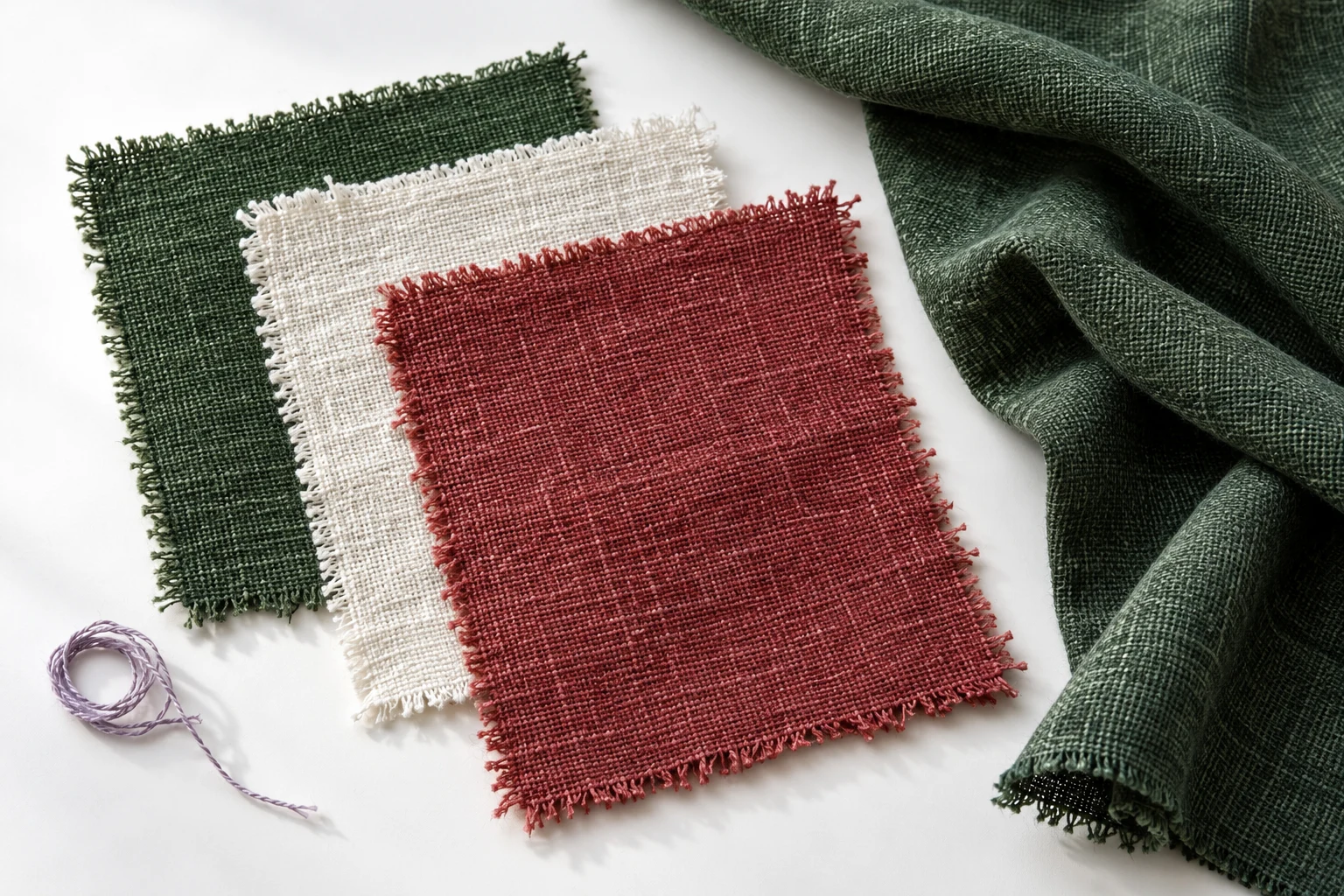 Woven Essentials
Material context
Woven Essentials
Forest
- Textile family: sample context
- Surface: matte direction
- Next: Verify with physical samples
WHAT THE TOOLS ADD
Signals you can bring into review.
Use the outputs to guide the next conversation, then verify the decisions through your normal design development process.
- Textile-family signals
- Compare a concept with material references on eligible paid plans. A match signal can support further investigation; it does not confirm manufacturing suitability.
- Workspace-specific models
- Dataset Builder organizes and versions your archive. Eligible paid plans use Training Studio to train workspace models from a dataset version.
- Workspace access
- Authenticated accounts, membership, and server-enforced roles control access to workspace assets and operations.
- Technical sign-off
- Generated imagery and feasibility signals support designer judgment. Construction specifications, patterns, and physical samples remain part of production approval.
Start with concepts. Add advanced tools as needed.
Standard generation and basic refinement are included in the trial. Textile analysis, model training, and 4K export require an eligible paid plan.